
Quick Summary
This article will explain how you can merge all imported Shopify orders with same order number automatically. Auto Merge is a function that allows you to merge all imported Shopify orders with the same order number automatically. This feature helps reduce manual work, avoid duplication, and ensure that any updates made to an order are reflected across all merged entries. It’s especially useful when you’re dealing with bulk orders, making your Shopify store operations more efficient by keeping things organized and consistent.
How to Merge Multiple Shopify Orders in EasyParcel?
Step 1: Under "Integration", click "Installed Ecommerce Apps".
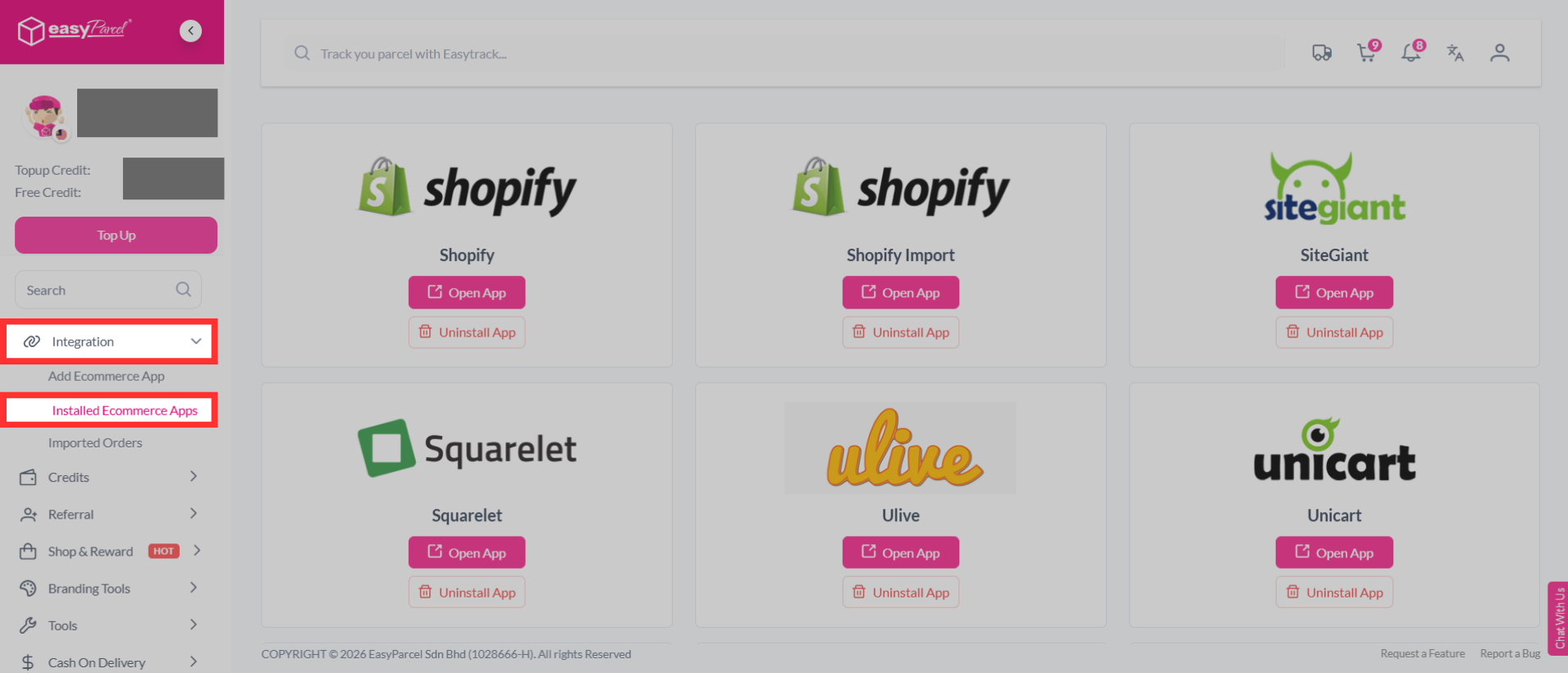
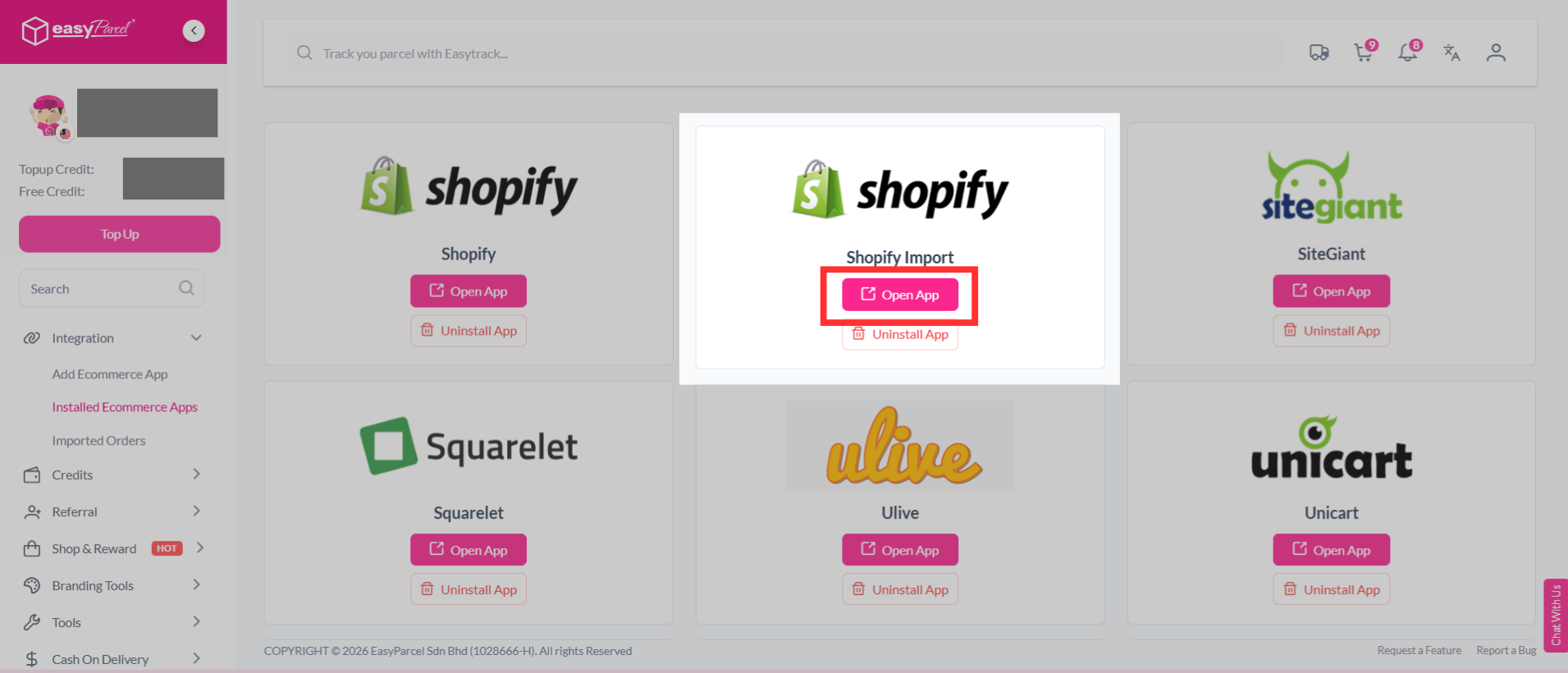
Step 2: Find "Shopify". Click "Open App".
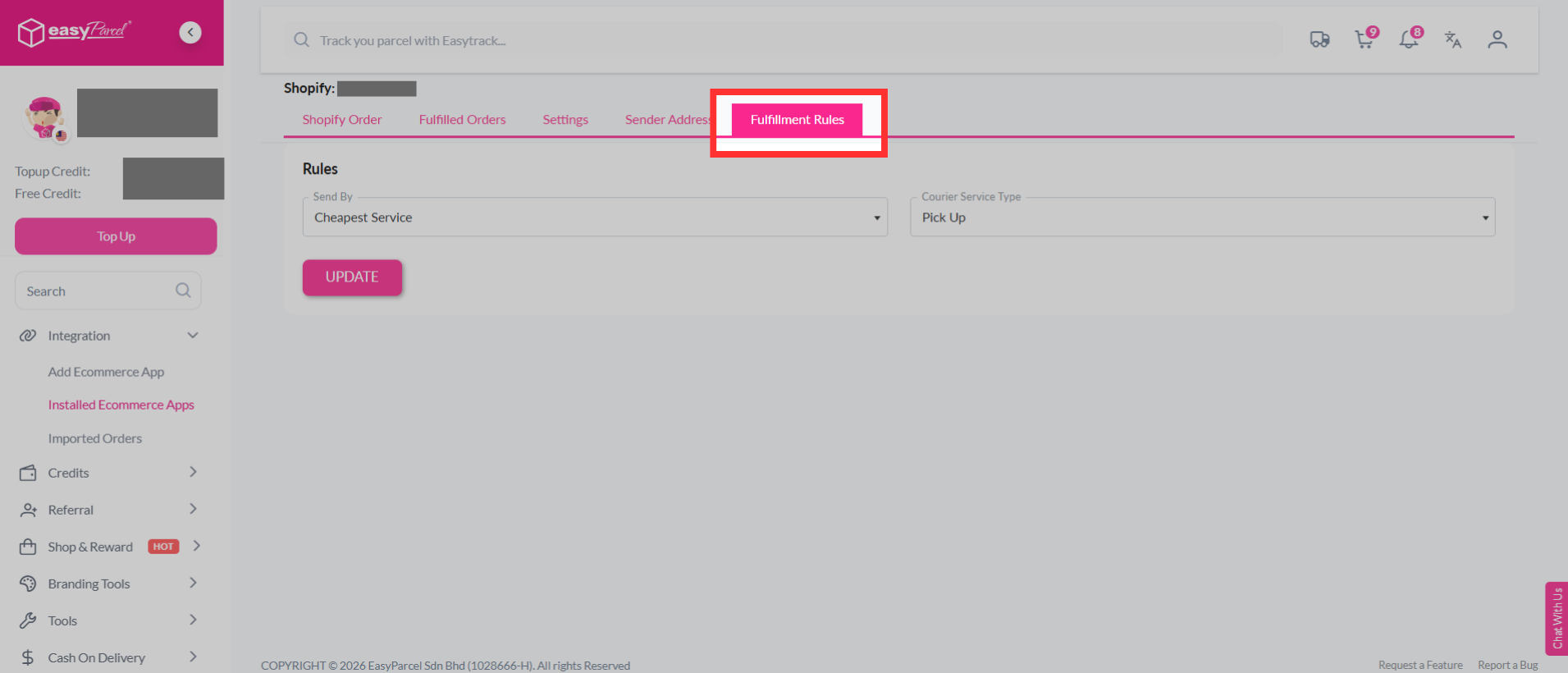
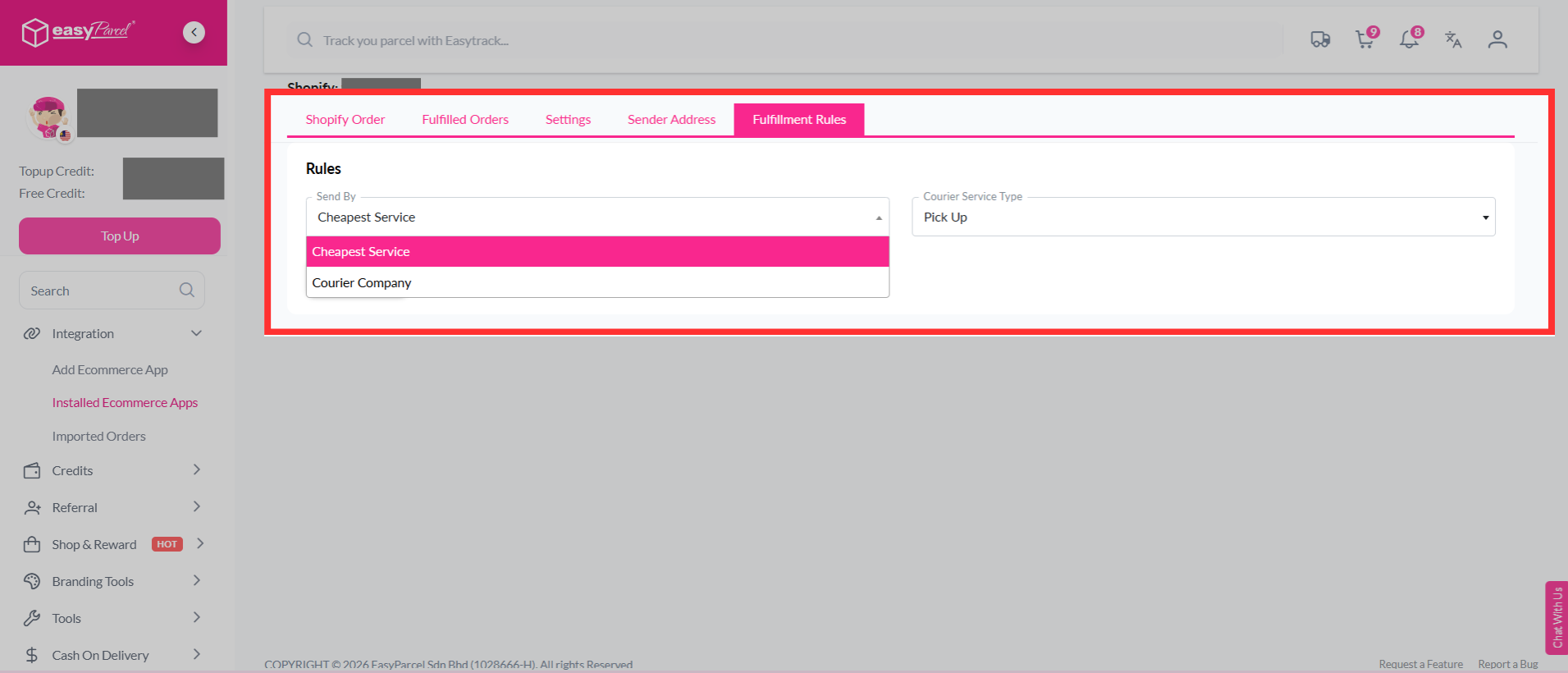
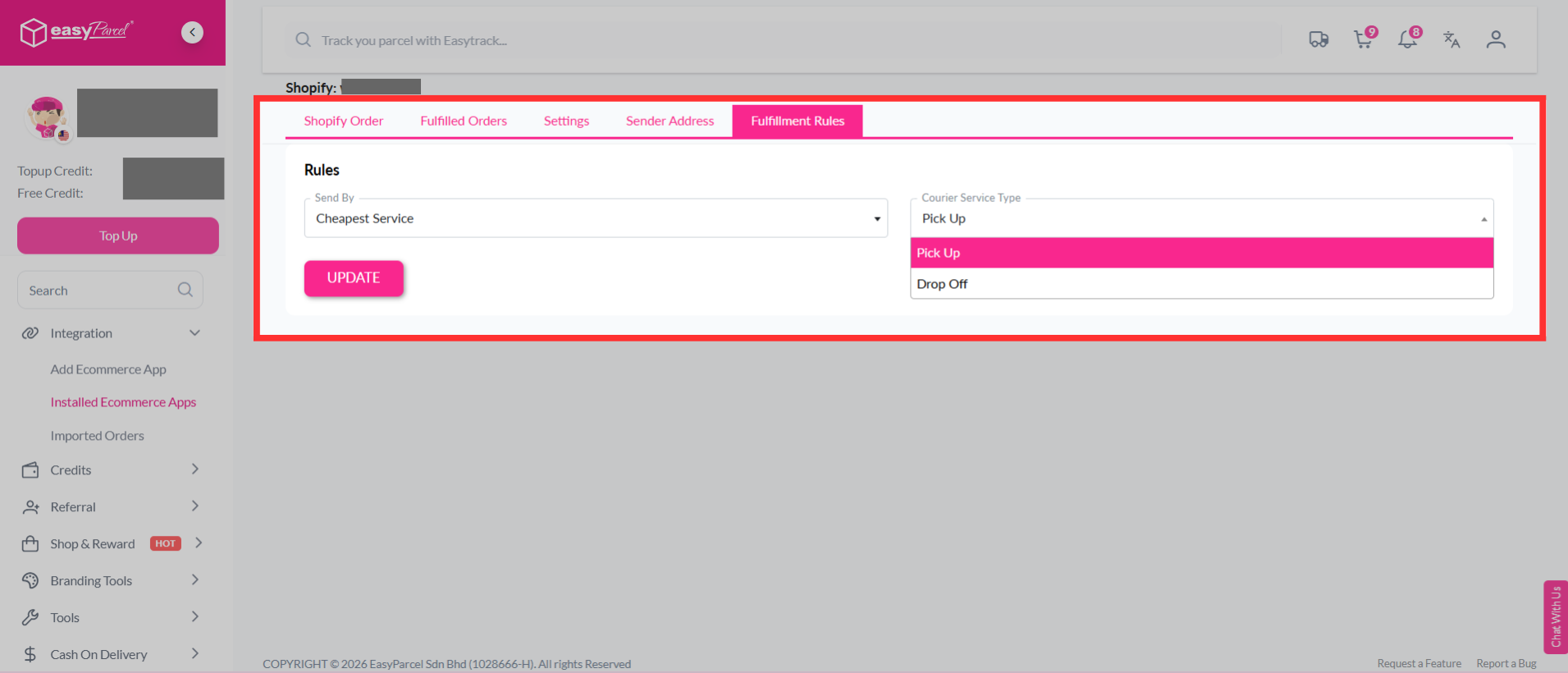
Step 3: You may set the "Fulfilment Rules" to choose the "Cheapest Service" or a "Courier Company", and select "Pick Up" or "Drop Off" for bulk fulfilment.
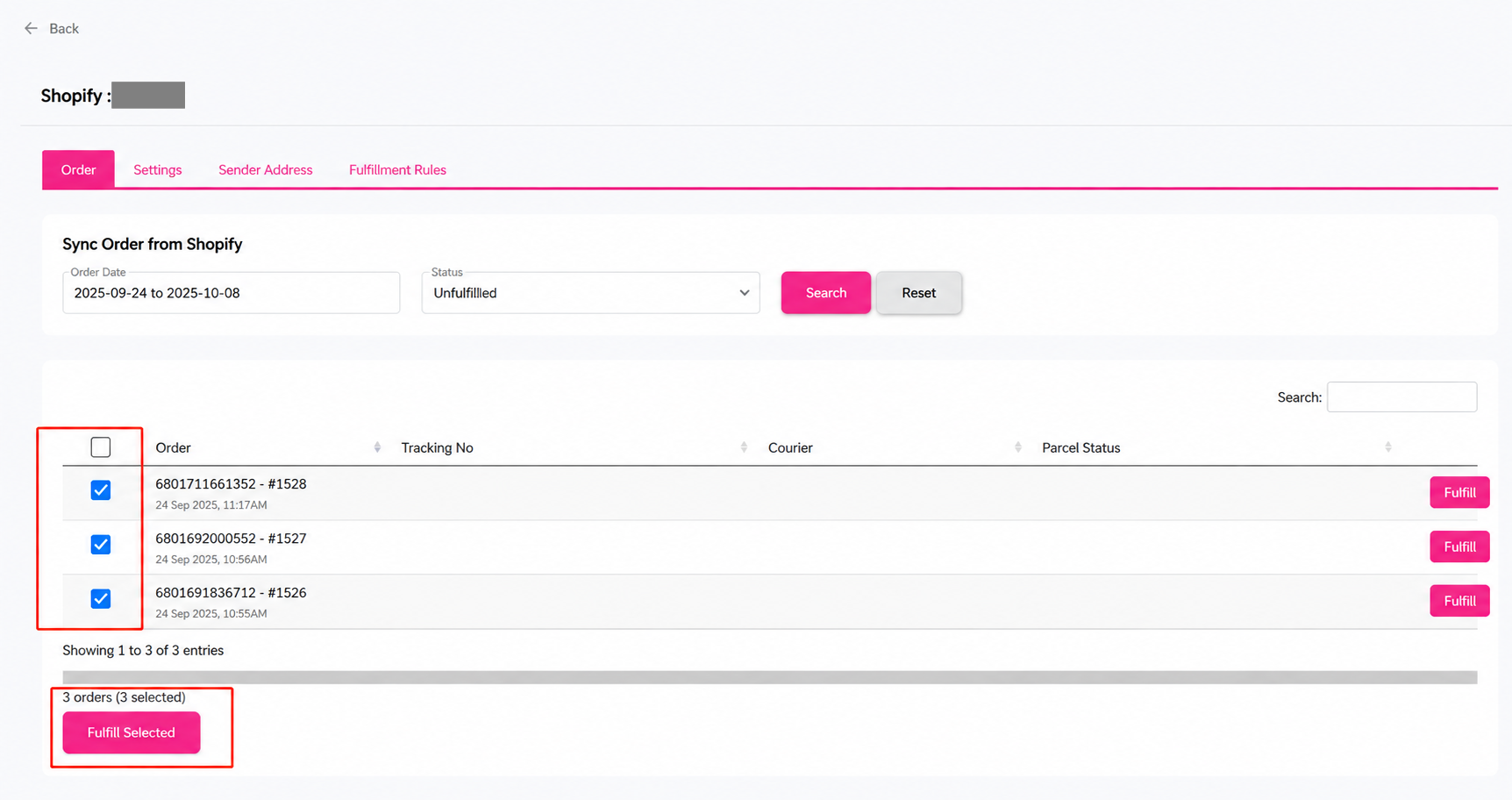
Step 4: In the "Order" tab, select the orders you want to process together, then click "Fulfill Selected".
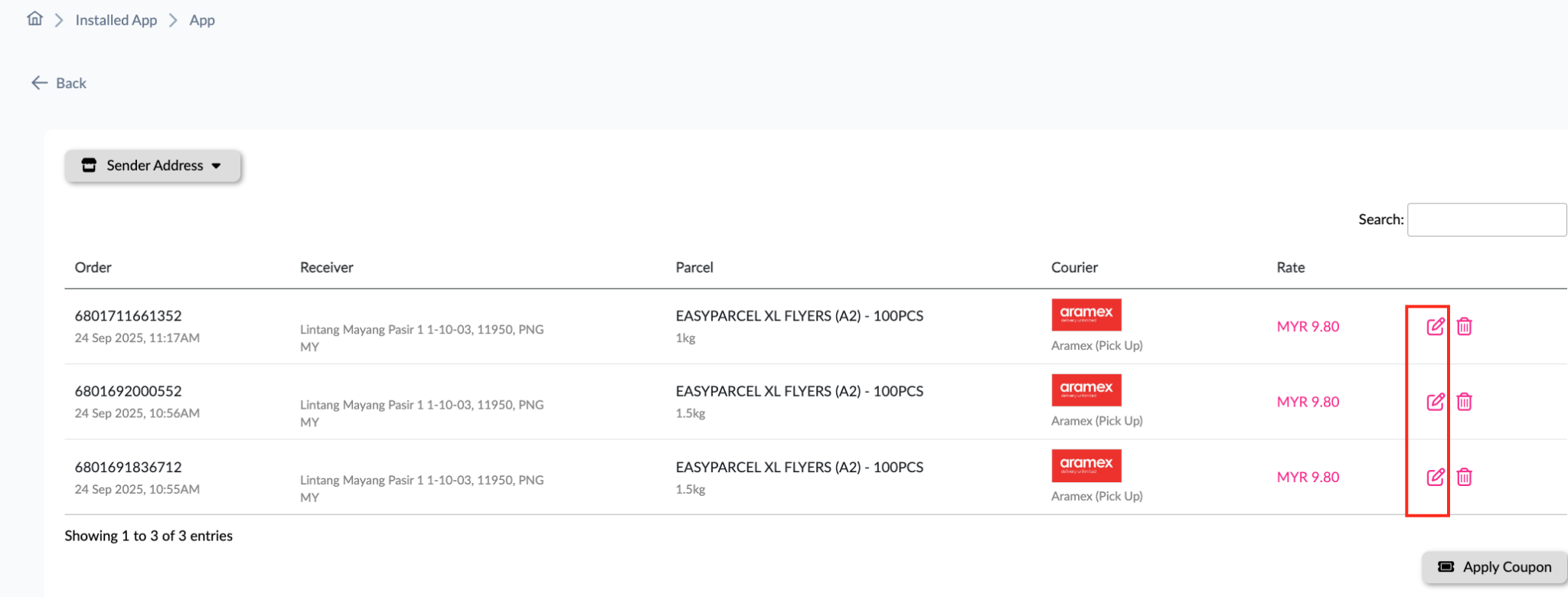
Step 5: Click the "Edit" icon to update the order details before proceeding with fulfilment.
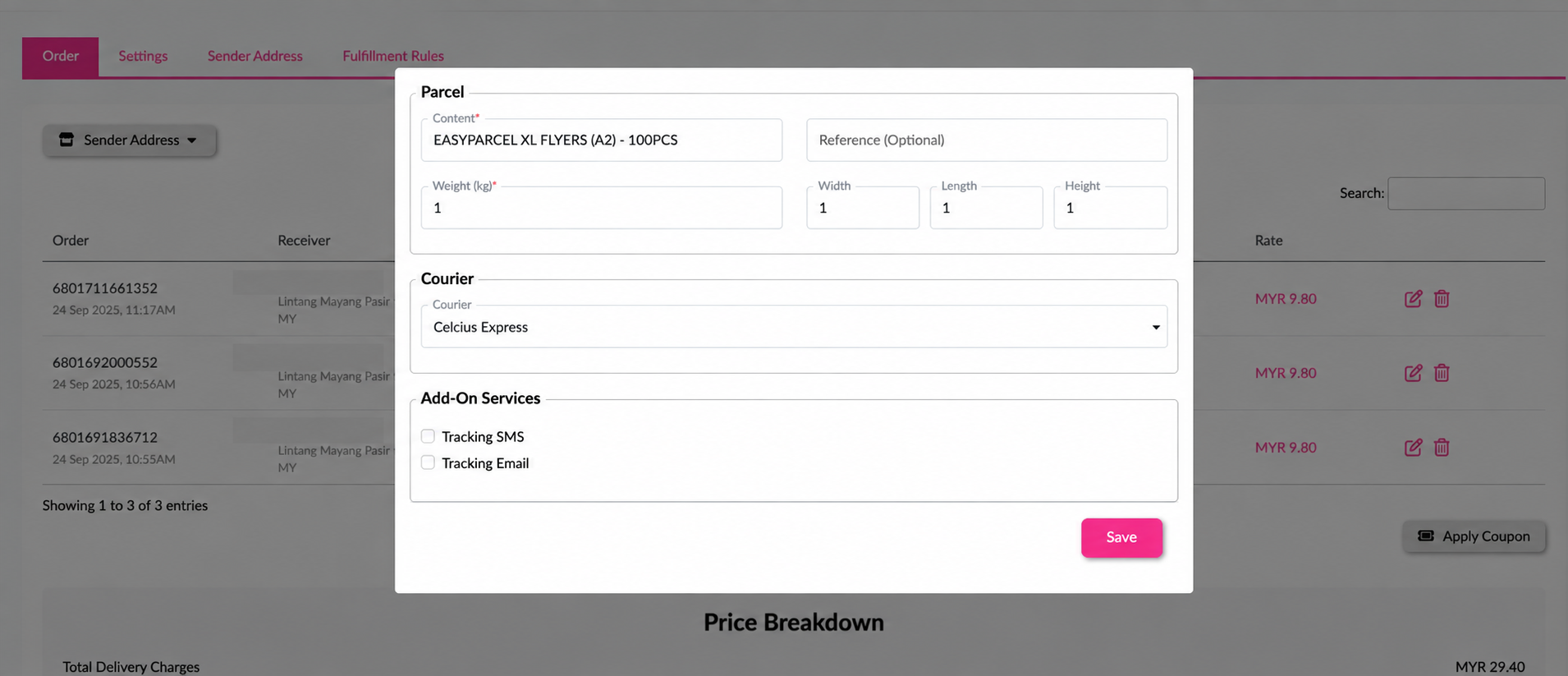
Step 6: Fill in the necessary parcel details, then click "Save" to update the order.
Step 7: The courier will be automatically selected based on your "Fulfilment Rules". In this example, Aramex is selected. Click "Pay Now" to make payment for the selected orders.
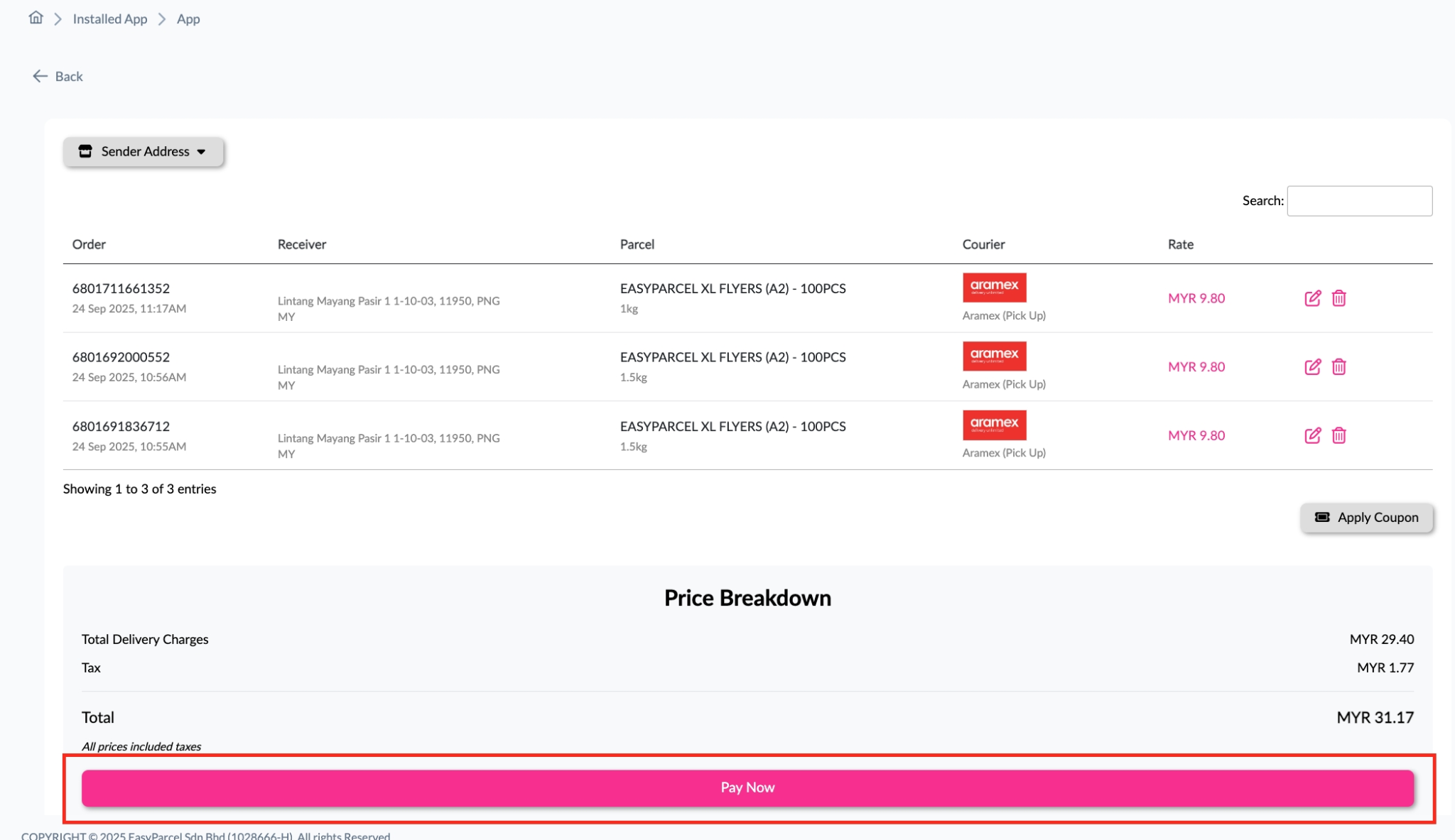
Step 8: You have successfully merged and fulfilled multiple Shopify orders through EasyParcel.
