We'll Cover:
What is Tracking WhatsApp?
Tracking WhatsApp is an automated marketing tool that allows you to notify your receivers of their parcel tracking number after you book and create a shipment on EasyParcel. It automatically sends tracking details via WhatsApp once you check out your parcel from the cart.
Your receivers will receive tracking information such as:
- Tracking number
- Live tracking link
- Delivery status updates
Below is an example of what your receiver will receive when Tracking WhatsApp is activated:

Why is Tracking WhatsApp important?
Nearly 70% of people check new messages within the first five minutes of receiving them, and WhatsApp messages have an open rate of over 98%. Using Tracking WhatsApp for order updates improves customer satisfaction and builds trust.
With automatic tracking notifications:
- Customers receive real-time updates instantly
- Fewer manual tracking inquiries are needed
- You save time on customer support
- Your brand appears more professional and responsive
How much do I need to pay for Tracking WhatsApp?
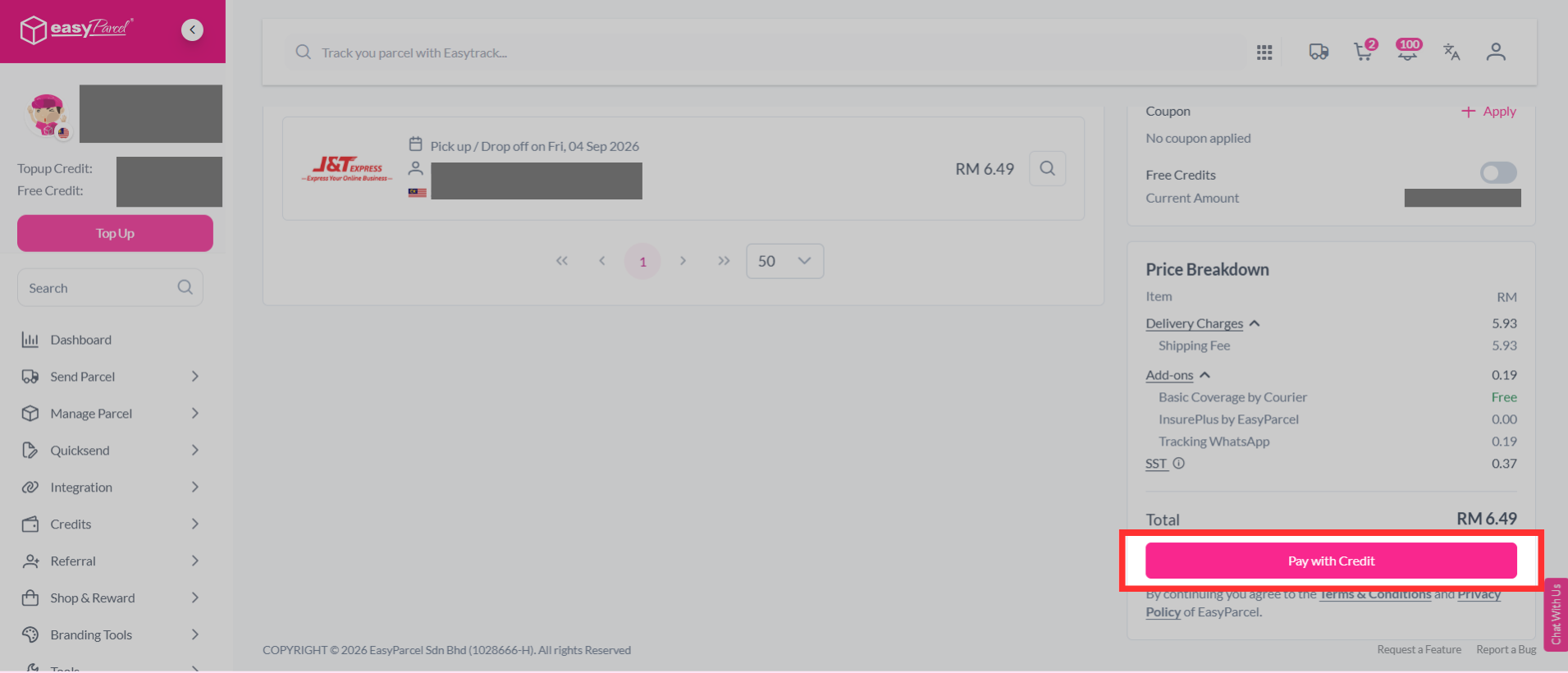
The Tracking WhatsApp is RM0.19 per message.
How to add-on Tracking WhatsApp during parcel booking?
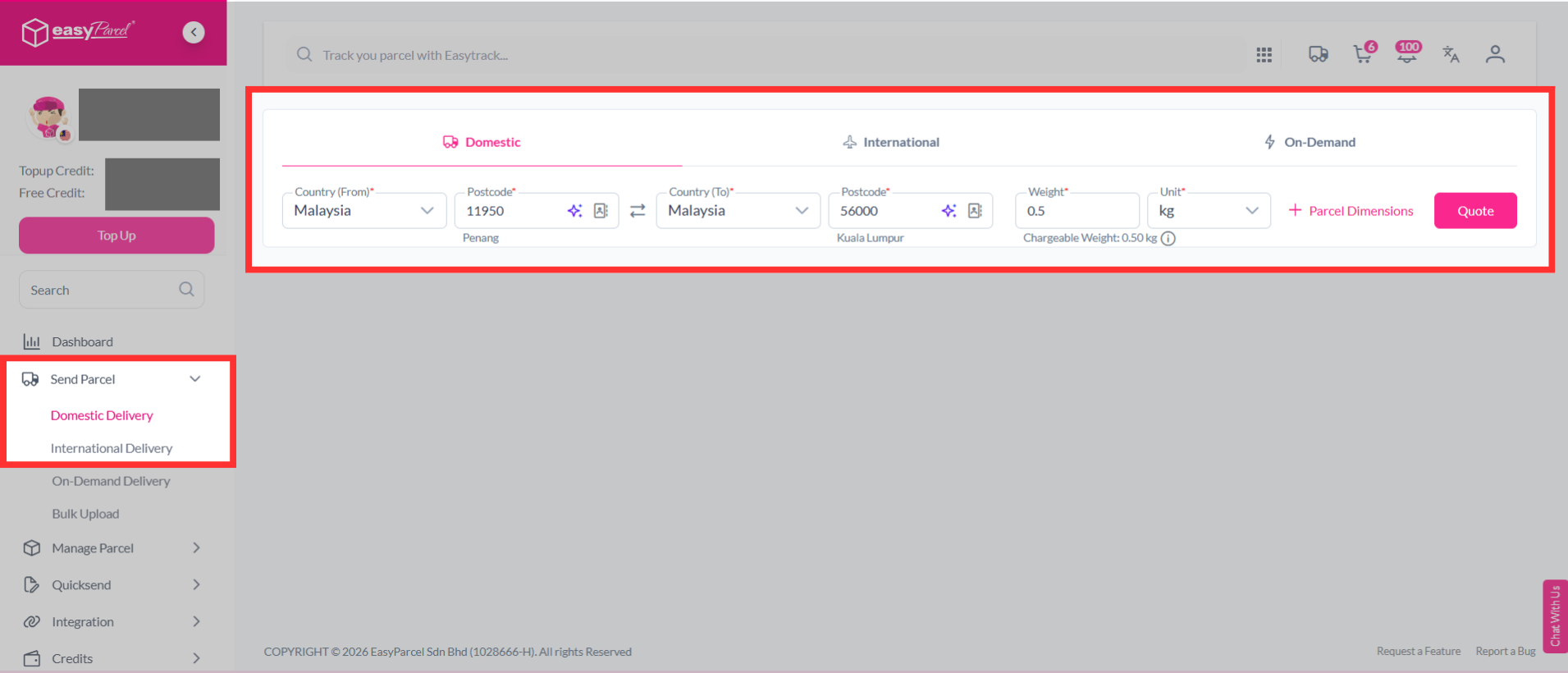
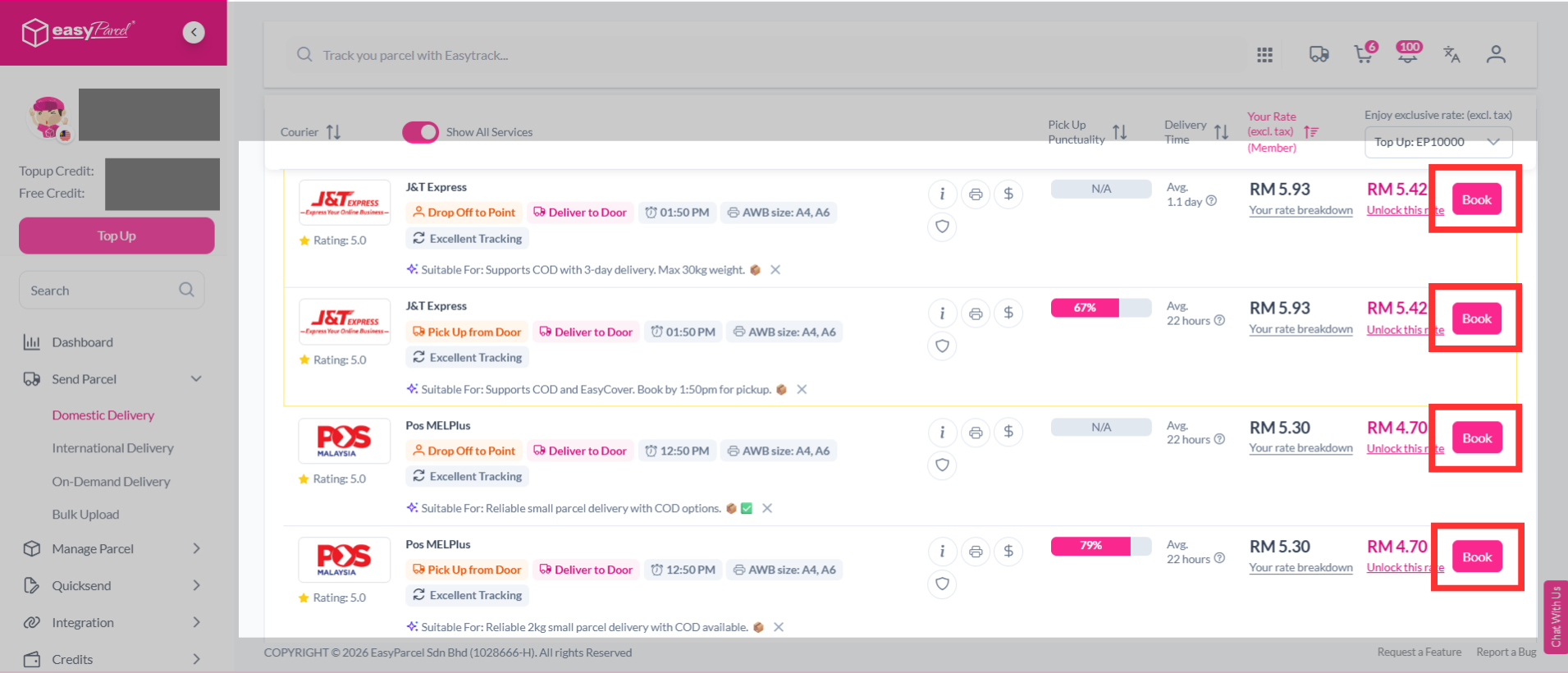
Step 1: Quote and book domestic/ international parcel as usual.
Step 2: Fill in the necessary details, including the sender details, receiver details, parcel content and value.
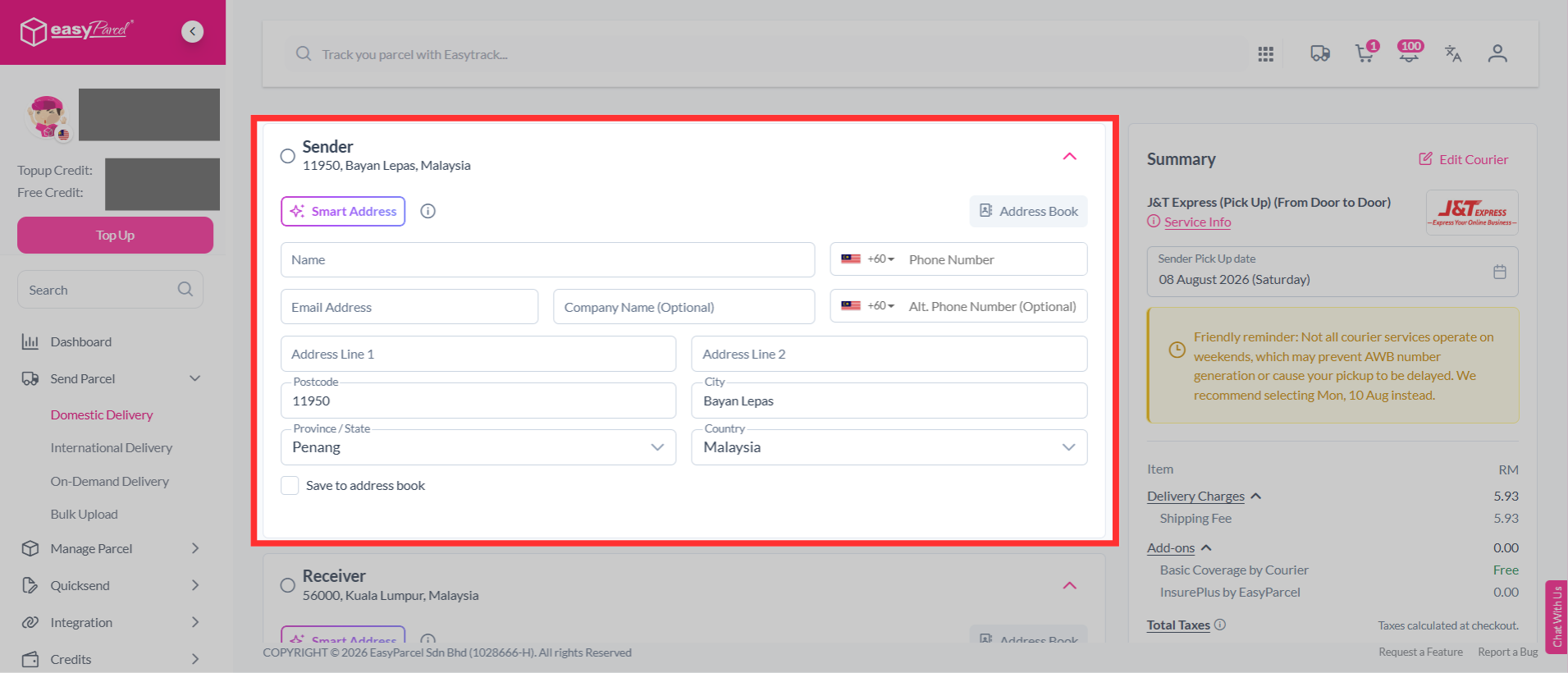
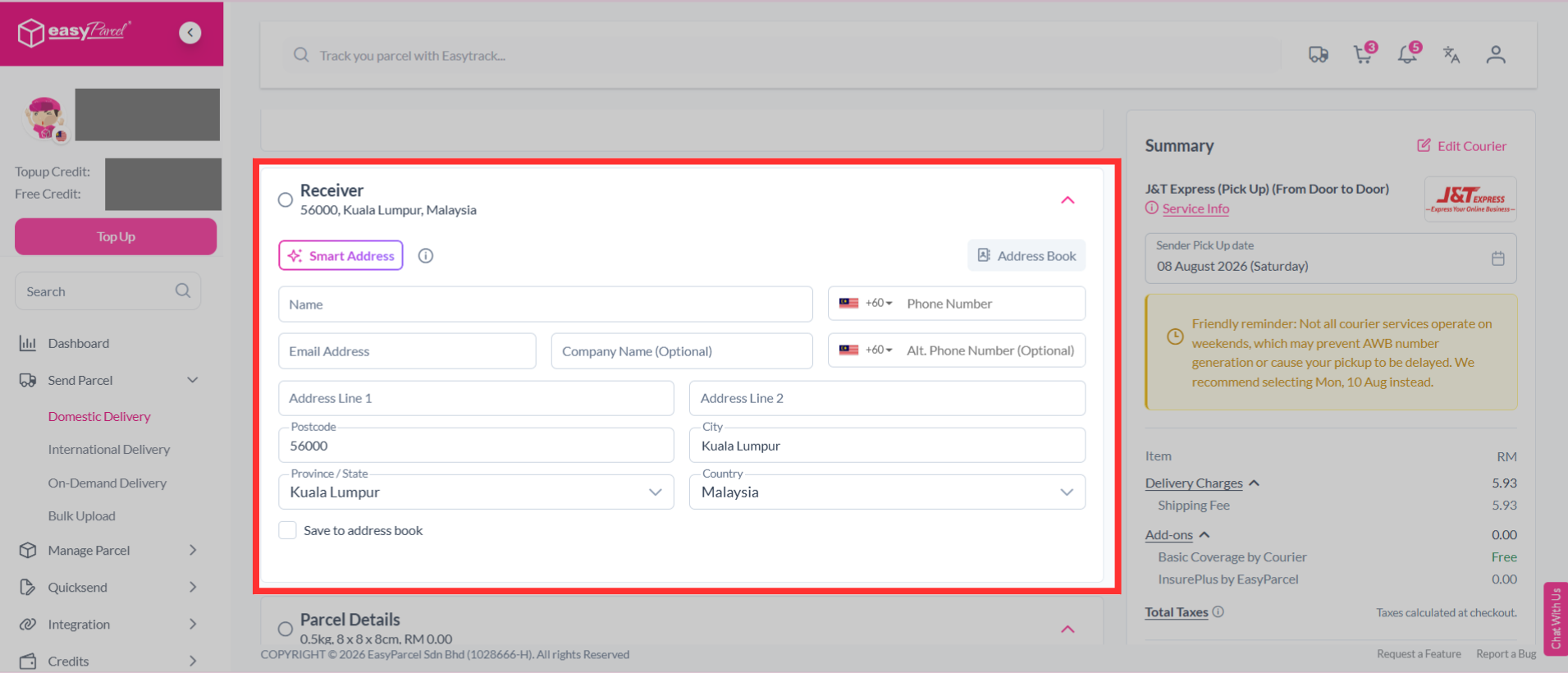
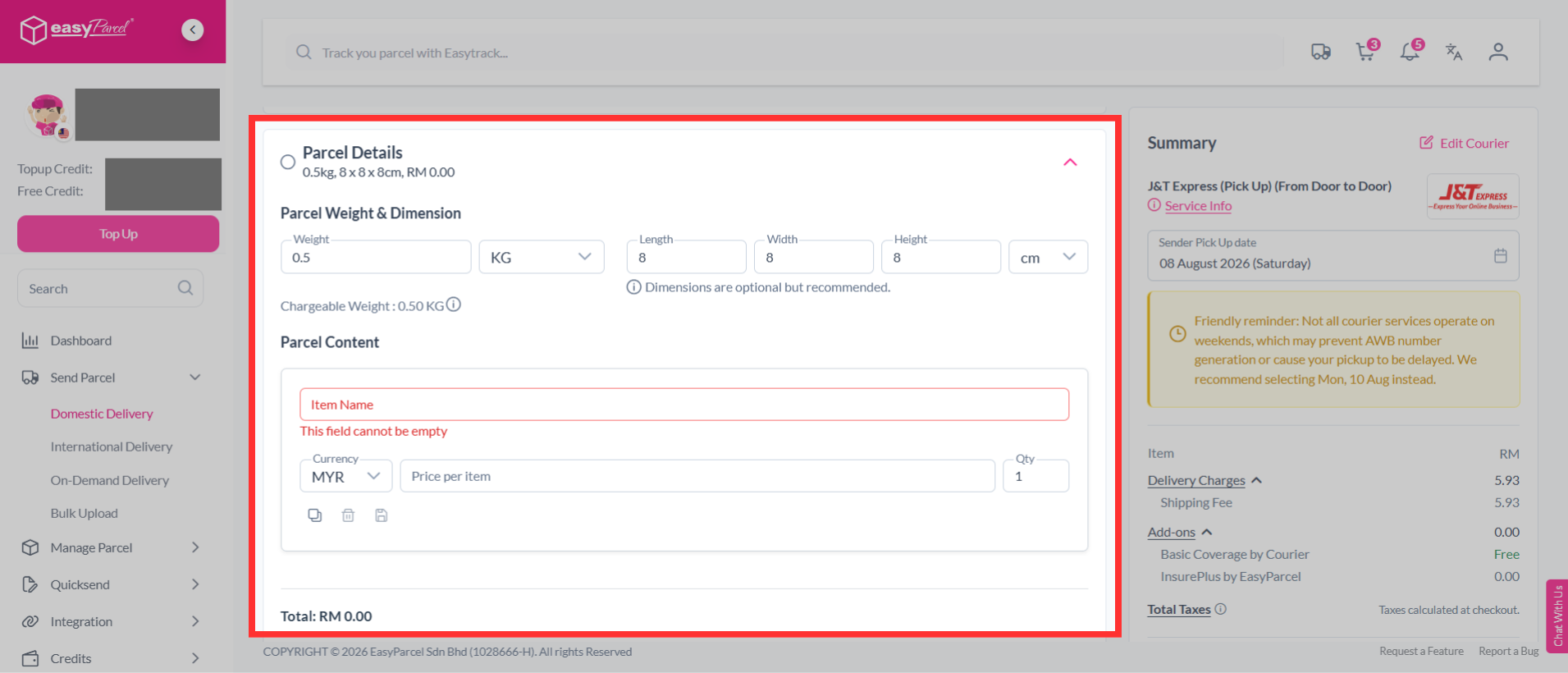
Step 3: After filling in your sender details, receiver details, parcel content, and parcel value, scroll down to the "Tracking Notifications" section.
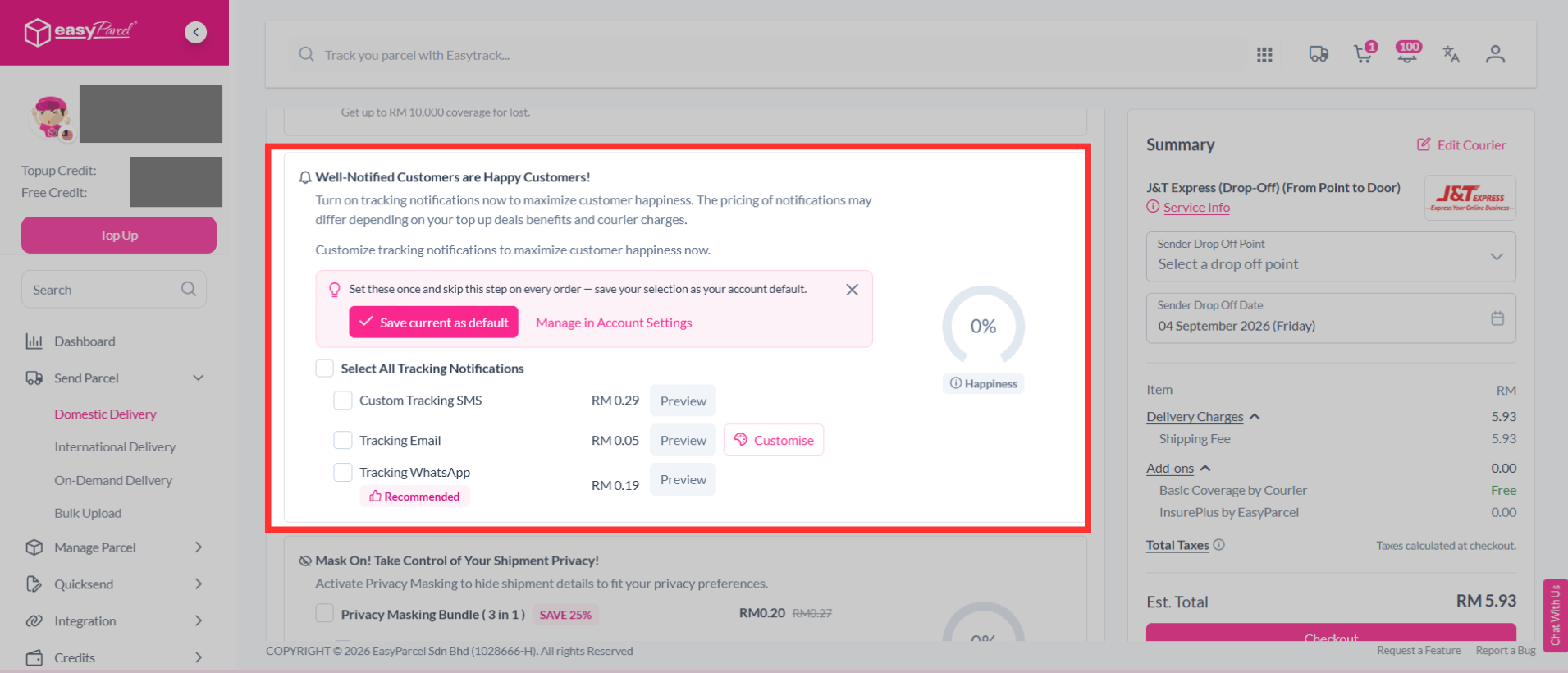
Step 4: Turn on "Tracking WhatsApp" under options to add to your parcel.
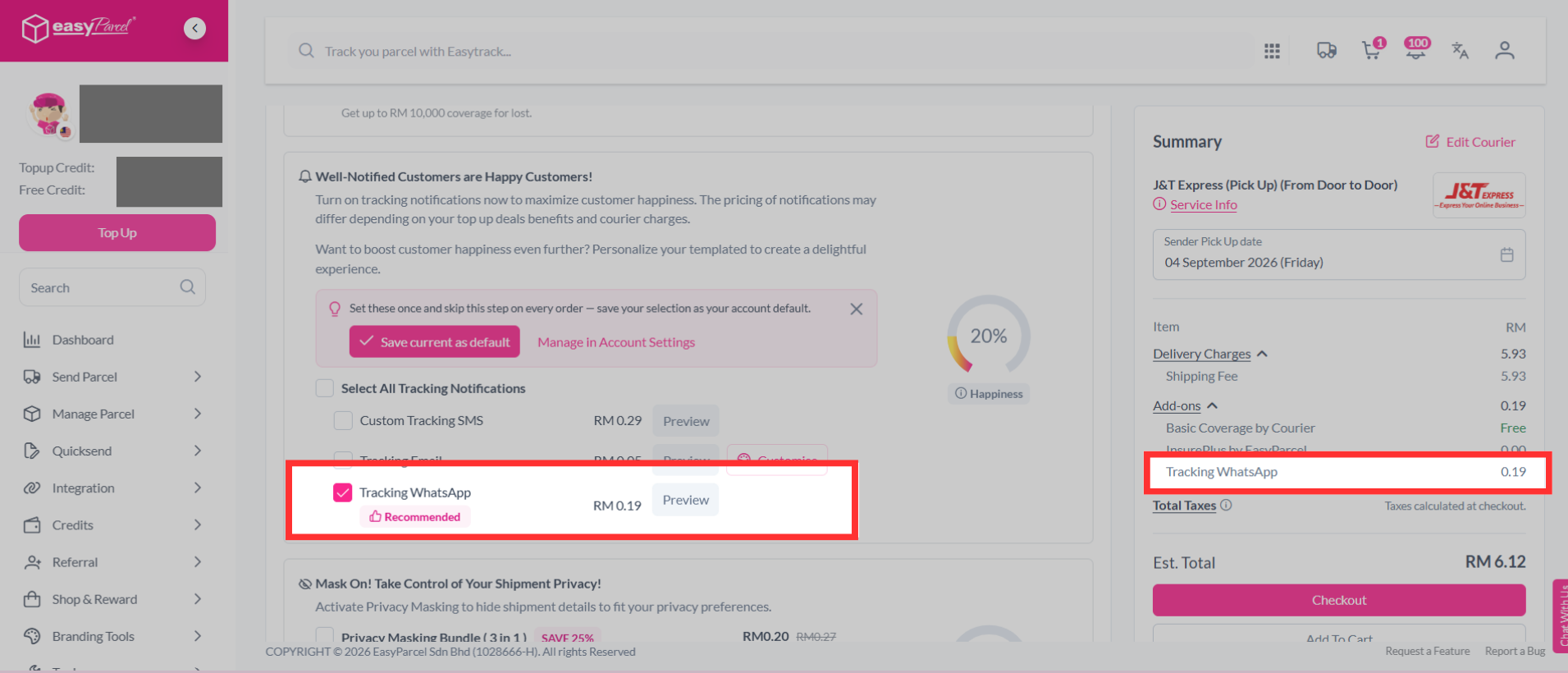
Step 5: Then continue with a click on the "Checkout" button.
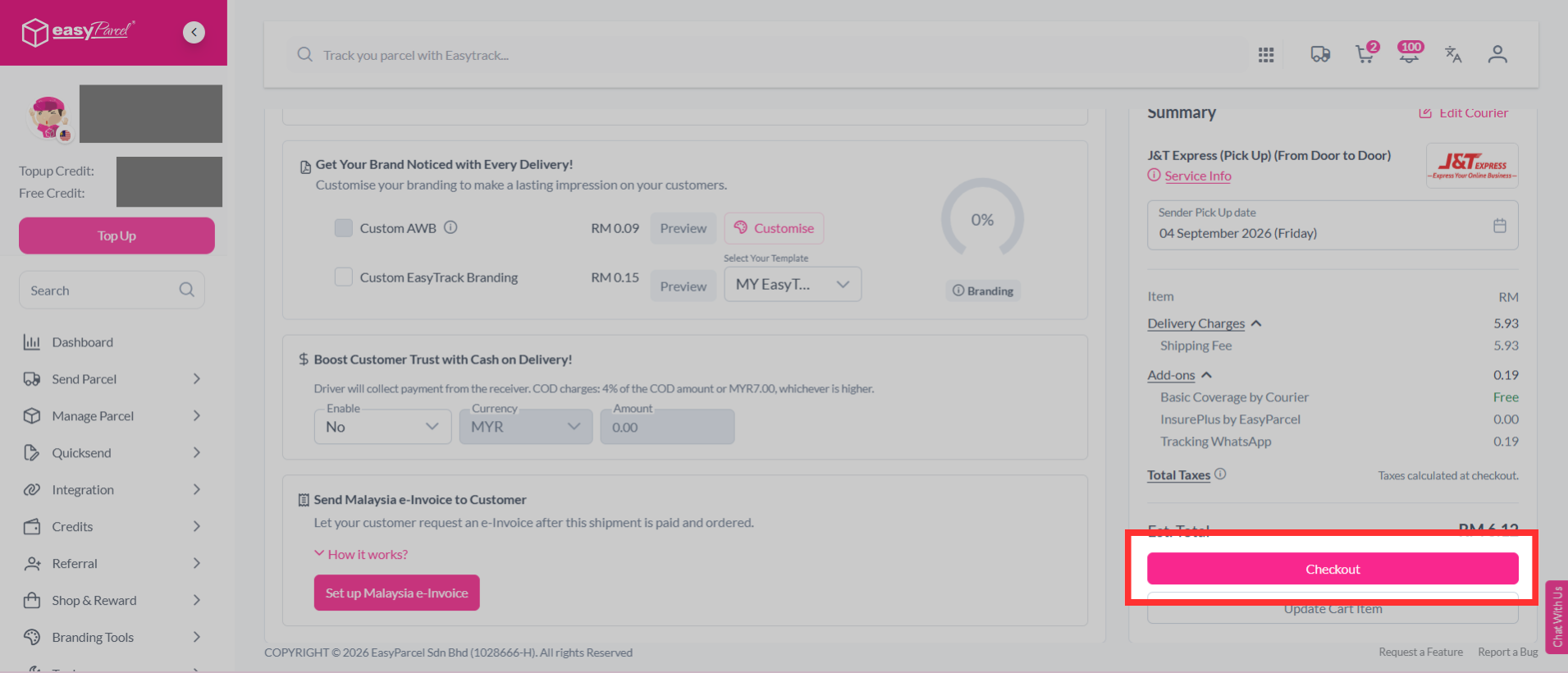
Step 6: Complete the booking and pay it.