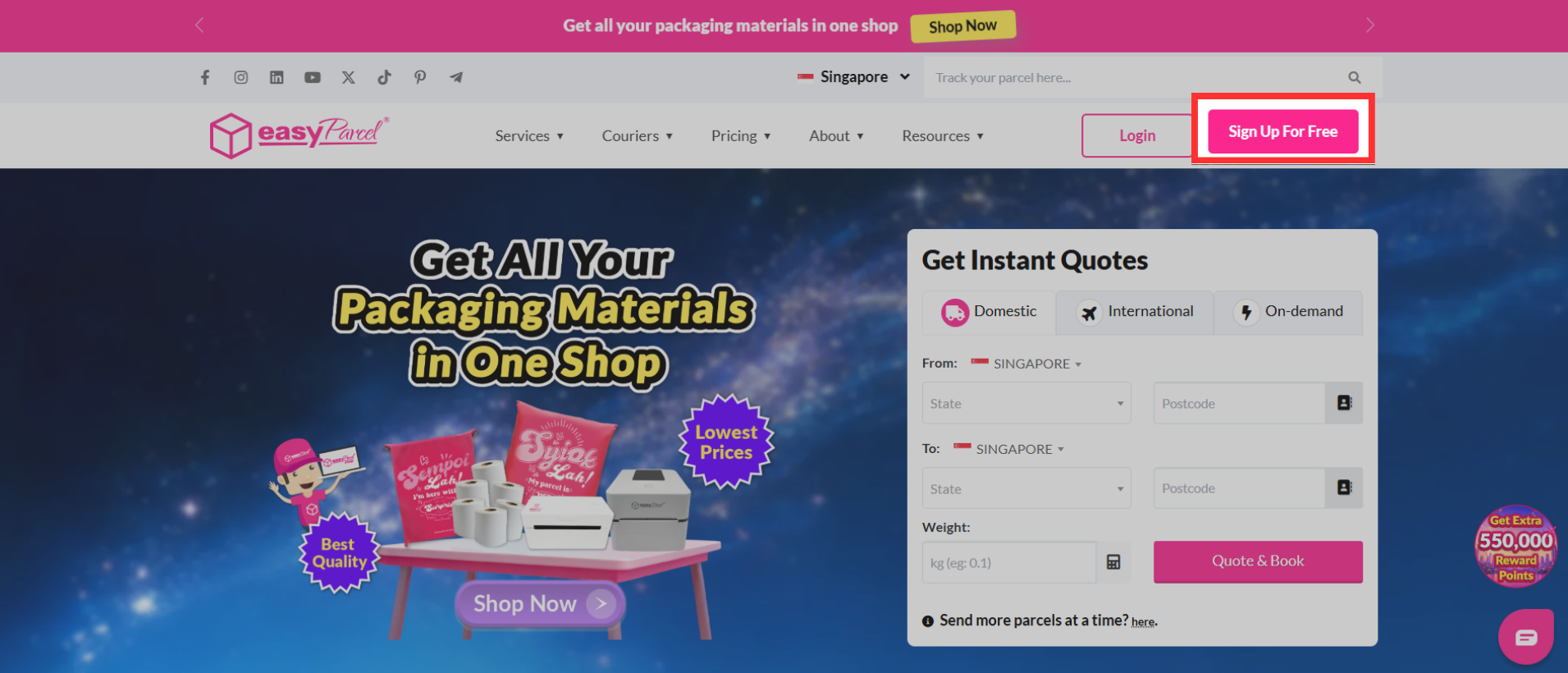
Quick Summary
To ship from a different country on EasyParcel, select your origin country by clicking the flag/country tab on the homepage or dashboard to switch to the respective country’s portal (e.g., MY, SG). Register or log in to that specific country's platform to access local courier rates, then book, pay, and print the air waybill for pickup.
What country(s) can I ship from on EasyParcel?
EasyParcel currently ships from 4 different countries which are:
- Malaysia
- Singapore
- Thailand
- Indonesia
How do I ship from different country(s)?
To change the country that you are shipping from, you may follow the steps below:
Step 1: Go to https://easyparcel.com/, choose the selected country that you would like to ship from the dropdown.
Step 2: Alternatively, you can also click on the country tab where it will show a dropdown with the country's that you can ship from.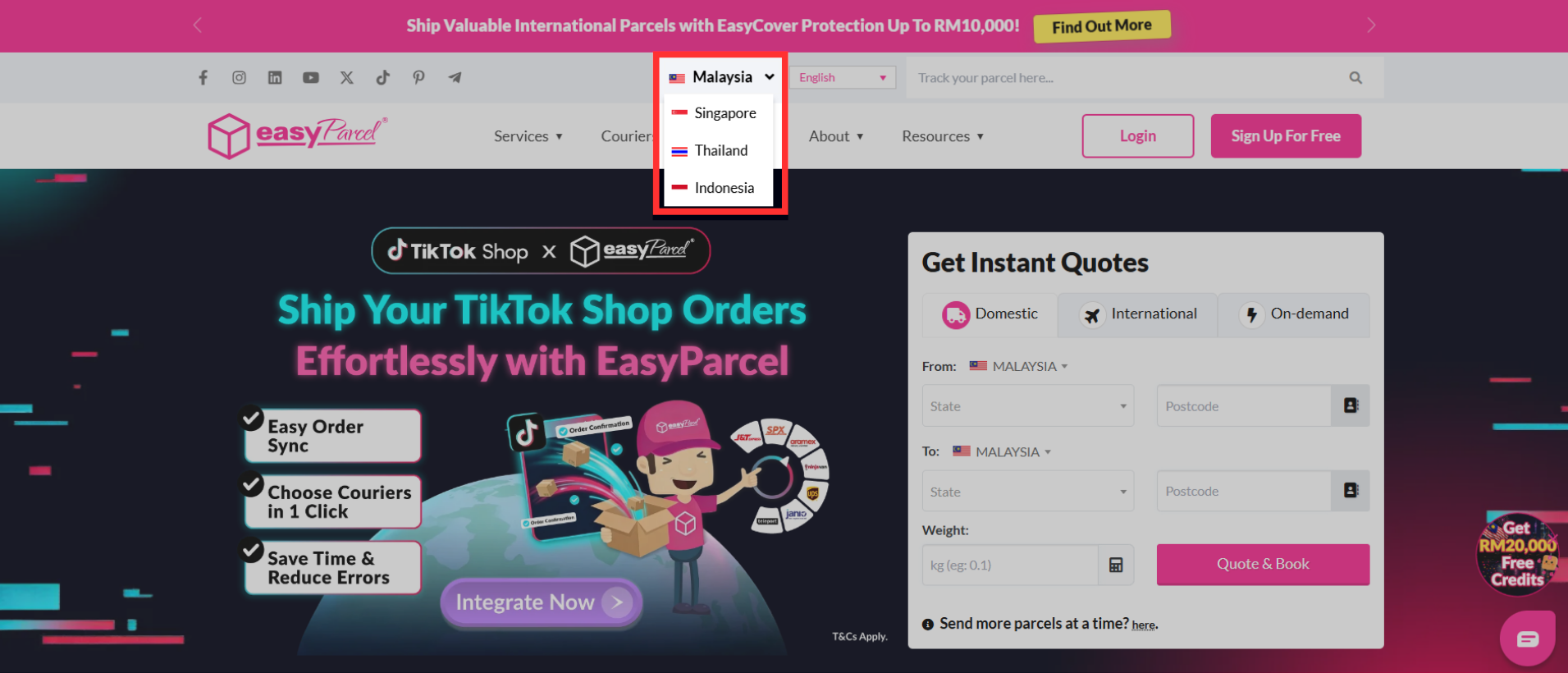
Step 3: Select the country that you would like to ship from and you will be redirected to the designated EasyParcel page for that country.
Step 4: Register for an EasyParcel account in that designated countries portal and you will be able to open an account in less than 5 minutes.