Quick Summary
To update profile details in EasyParcel, log in, go to the "Settings" section, and select "Account Profile" to edit personal, company, or address information. Key details like address can be changed under the "Address" section, while company details require updating under the "Business Information" section.
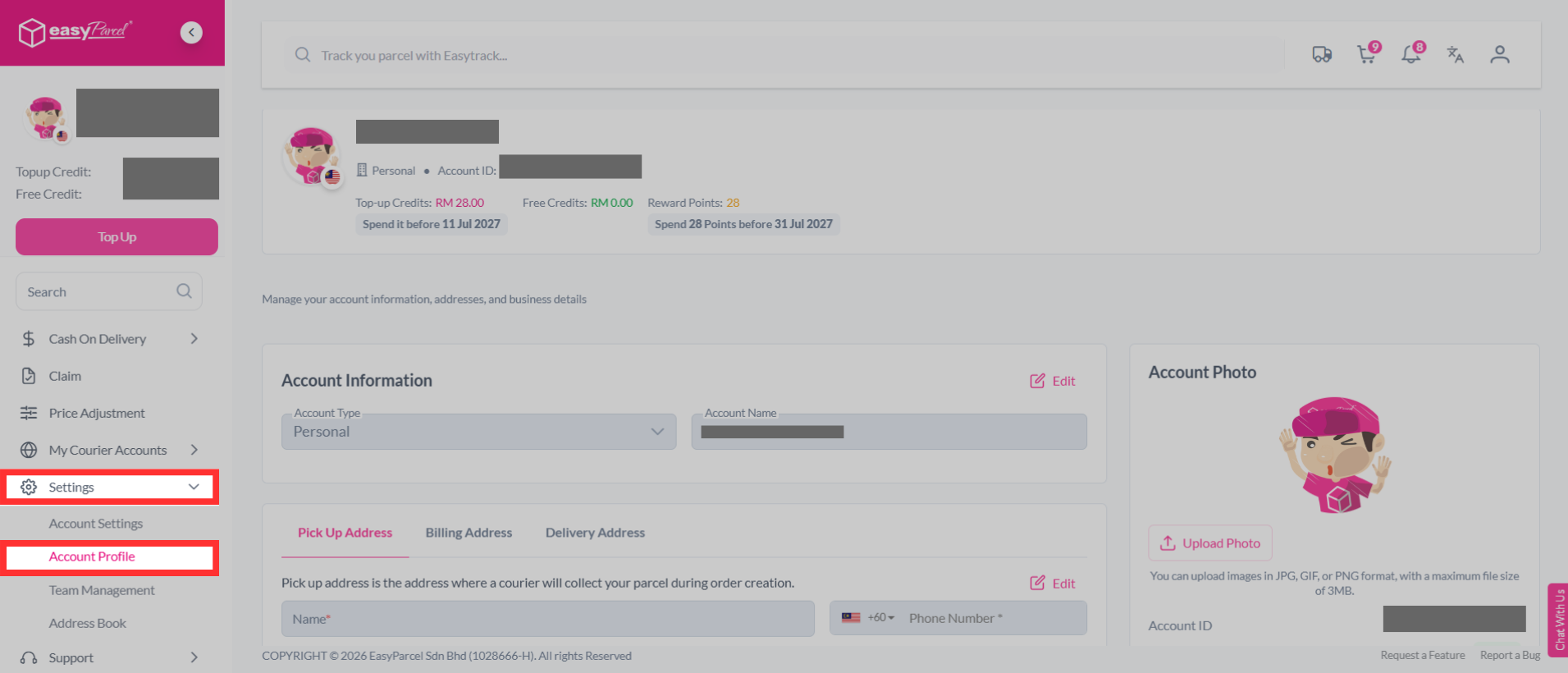
Personalize your EasyParcel experience by updating your profile. To update your profile details, you may log in or sign up for free. Once inside, On the sidebar, choose "Settings" then select "Account Profile".
We'll Cover:
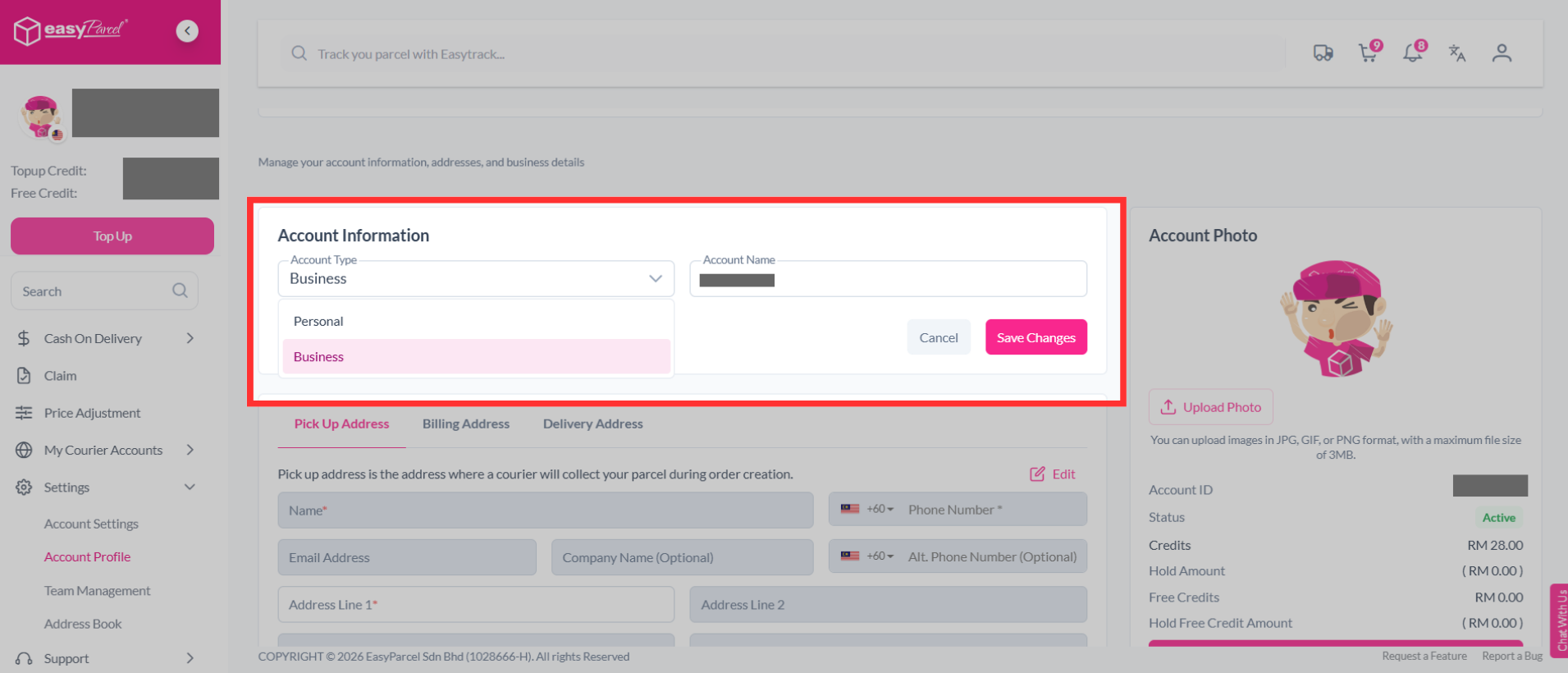
How to Update Your Account Information?
Change your account type or account name whenever your account details need to be updated.
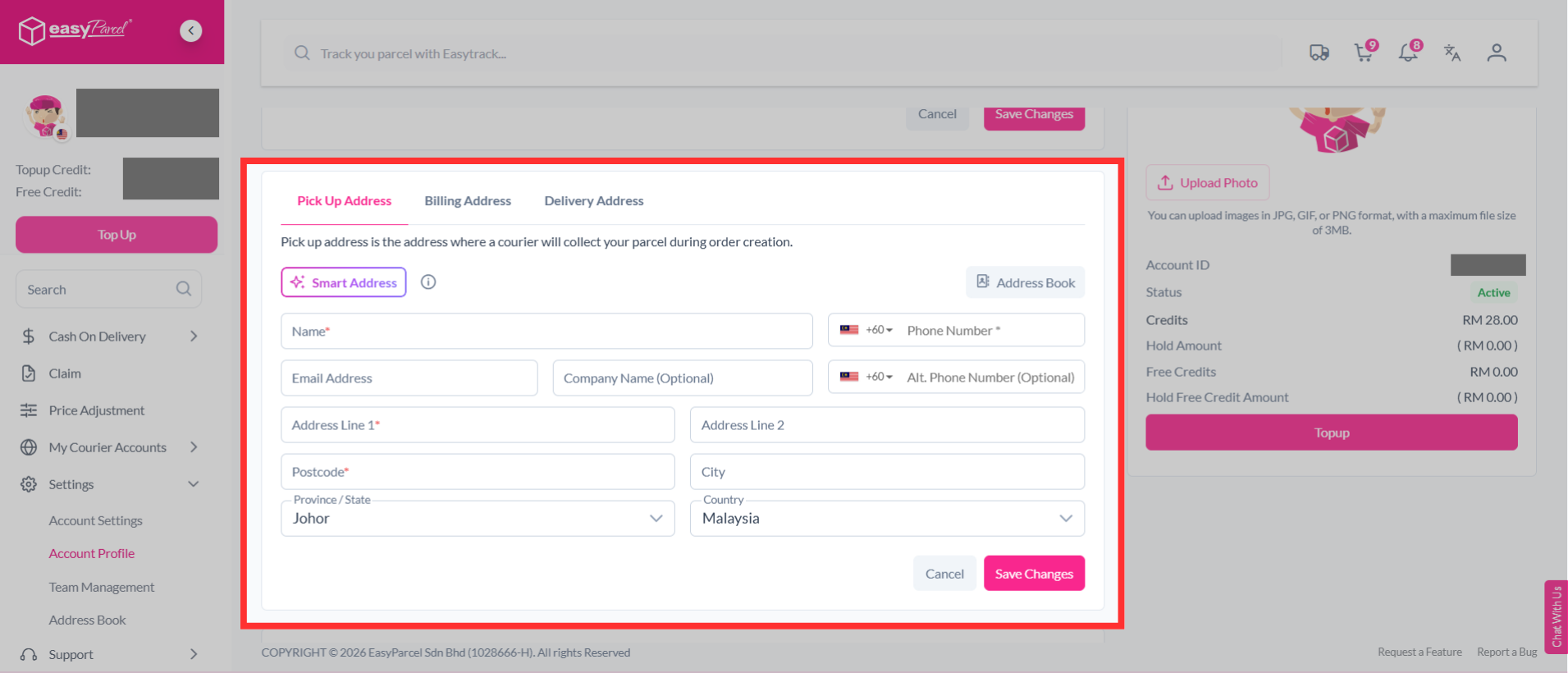
How to Update Your Pick Up Address?
Pick up address is the address where a courier will collect your parcel during order creation. Set your preferred pickup address and contact details for parcel collection.
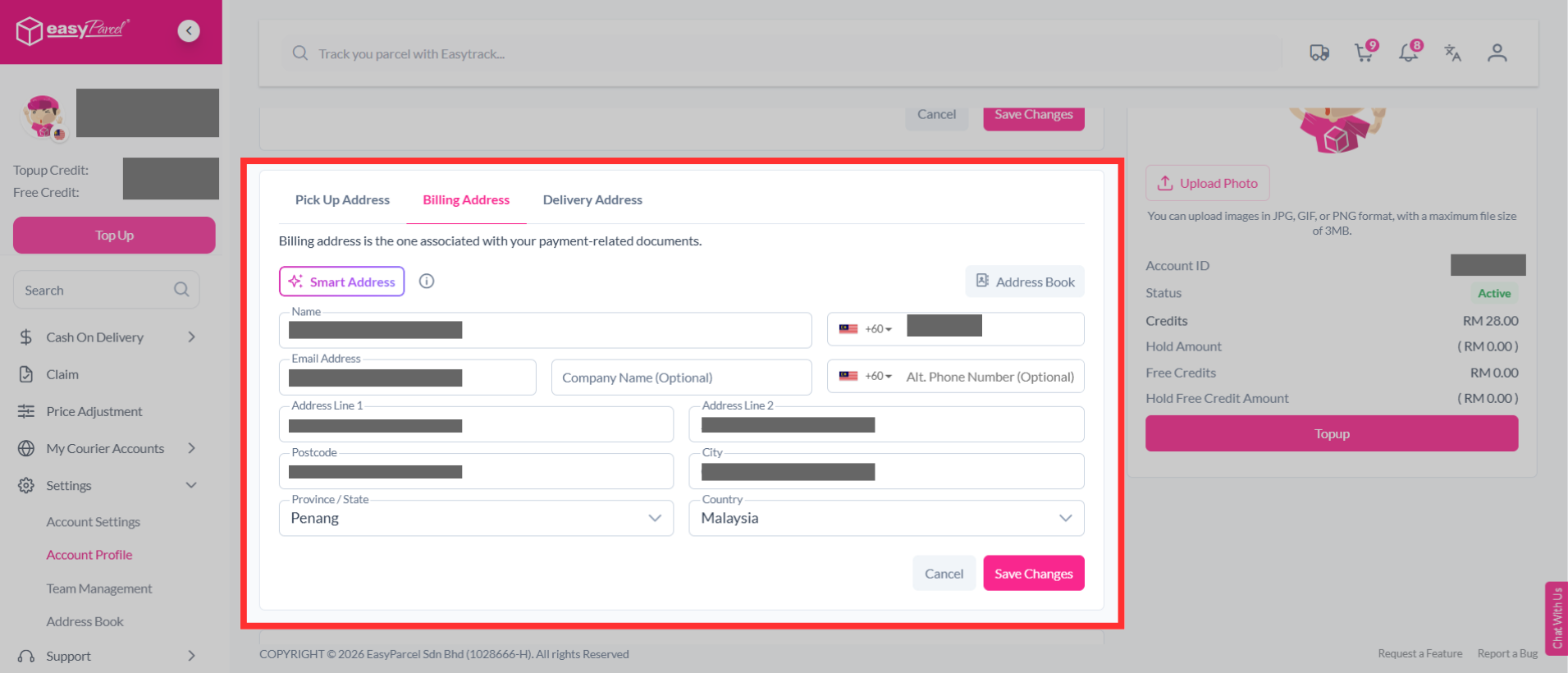
How to Update Your Billing Address?
Billing address is the one associated with your payment-related documents. Keep your billing address accurate for billing purposes.
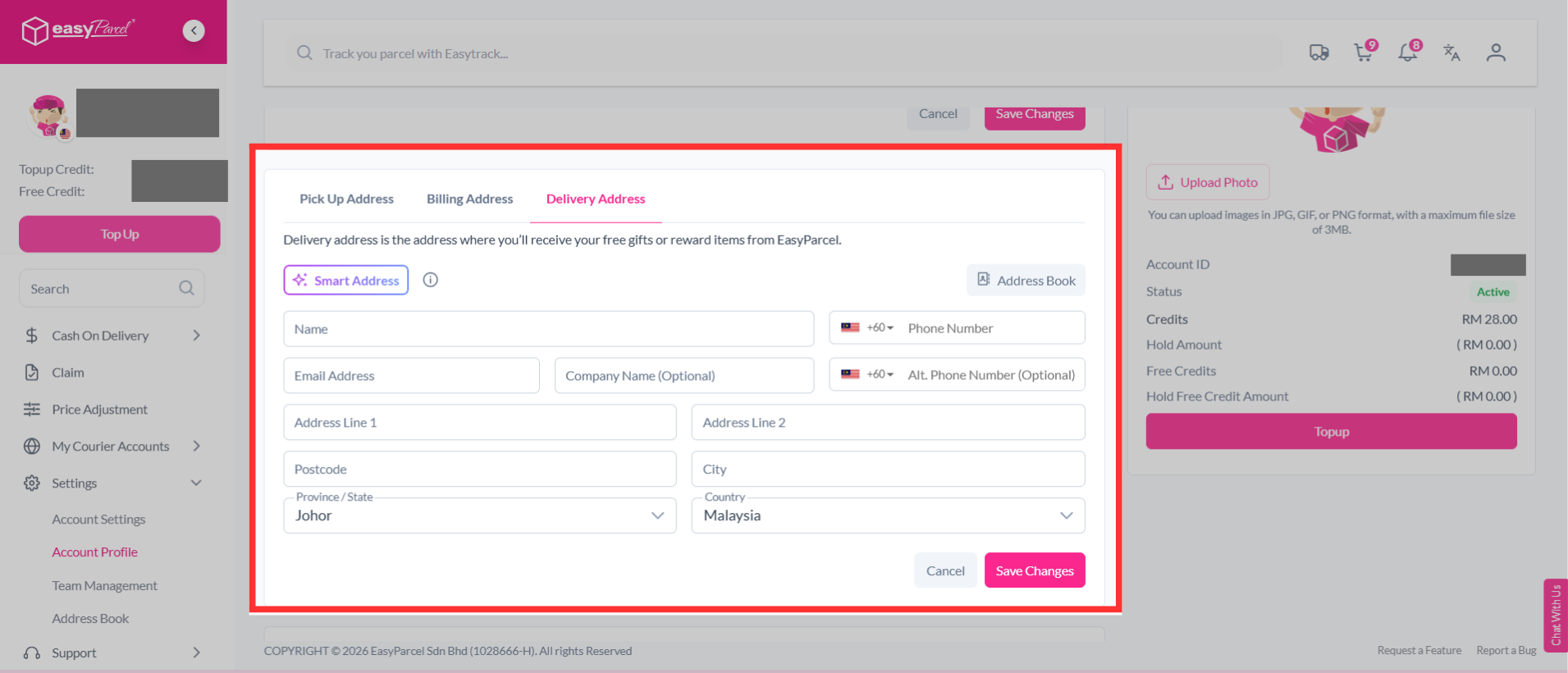
How to Update Your Delivery Address?
Delivery address is the address where you’ll receive your free gifts or reward items from EasyParcel. Add the address and contact details where you would like to receive your items.
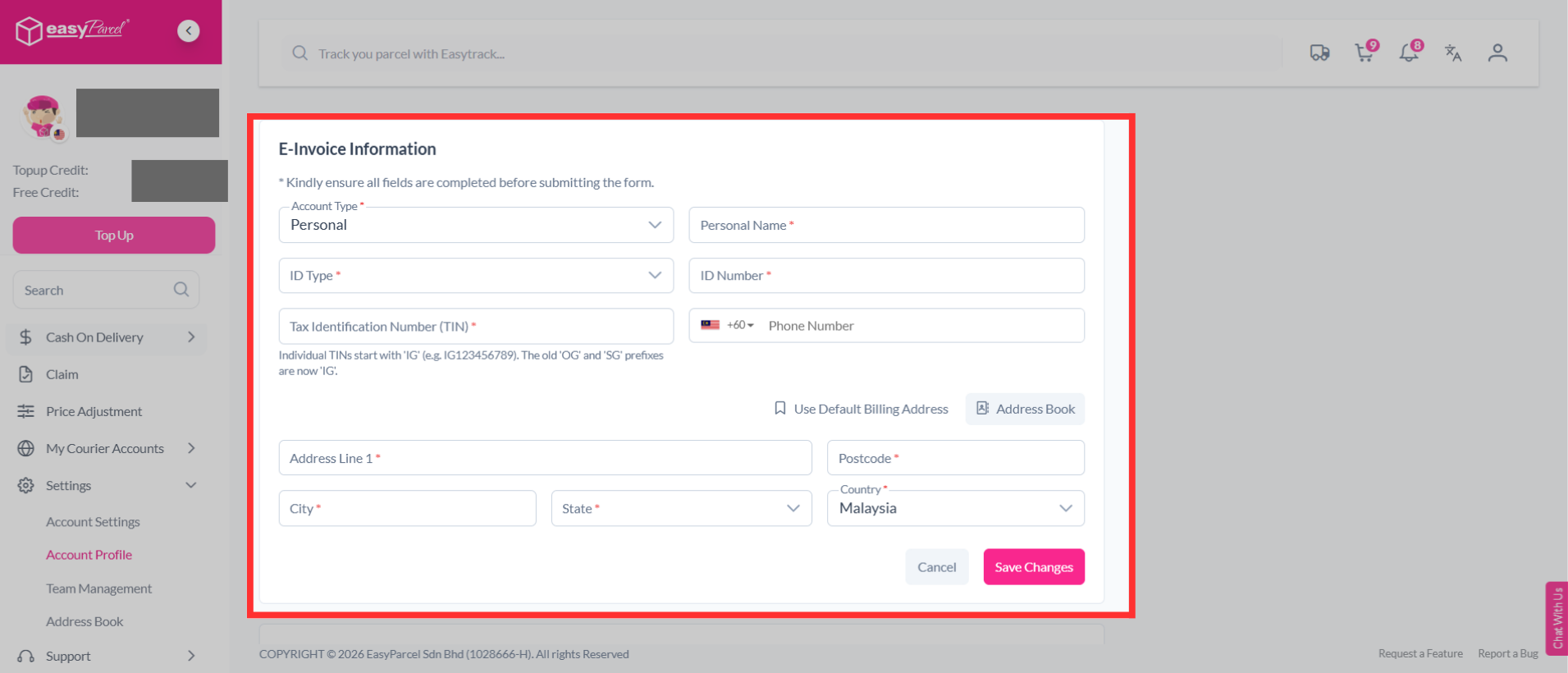
How to Update Your E-Invoice Information?
Fill in the required e-invoice details, including your TIN, identification details, phone number and address.
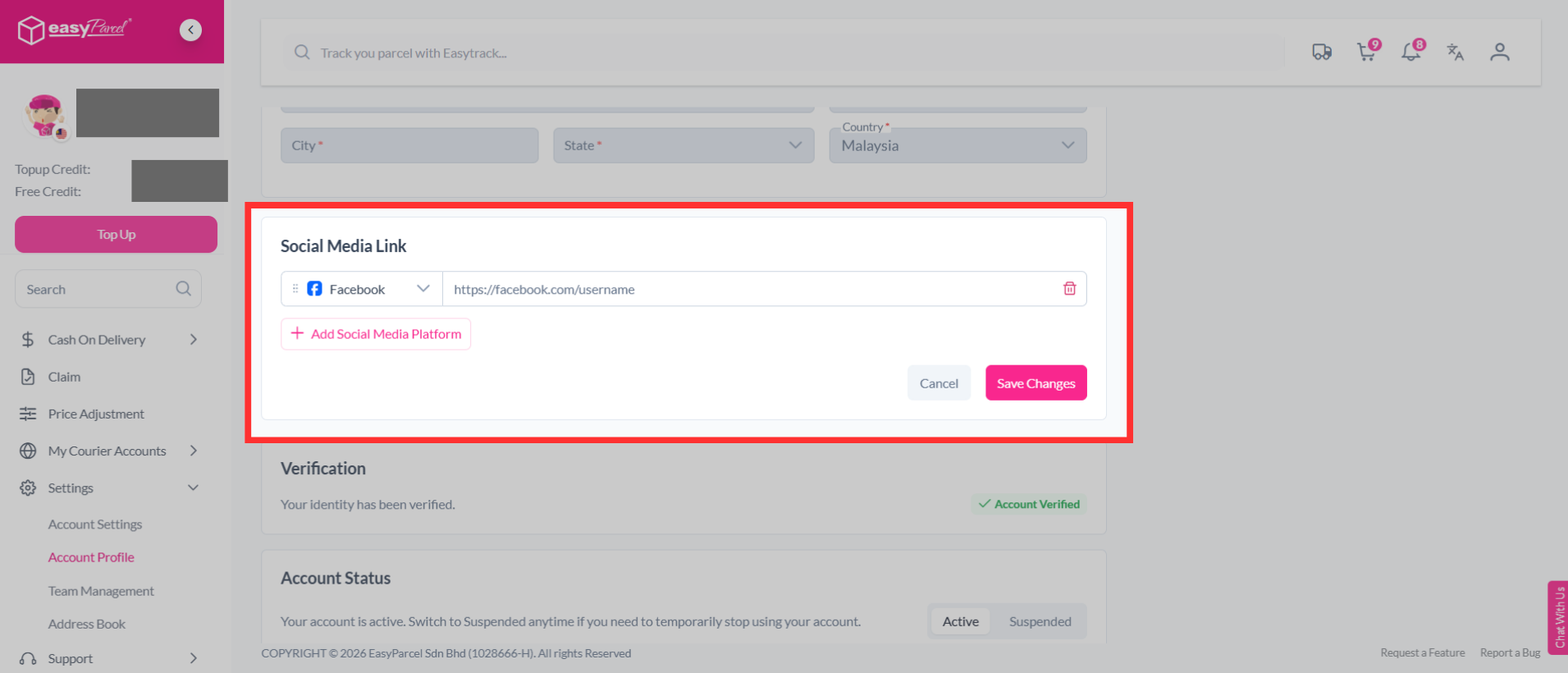
How to Update Social Media Link?
Add your social media profiles by adding the relevant links.
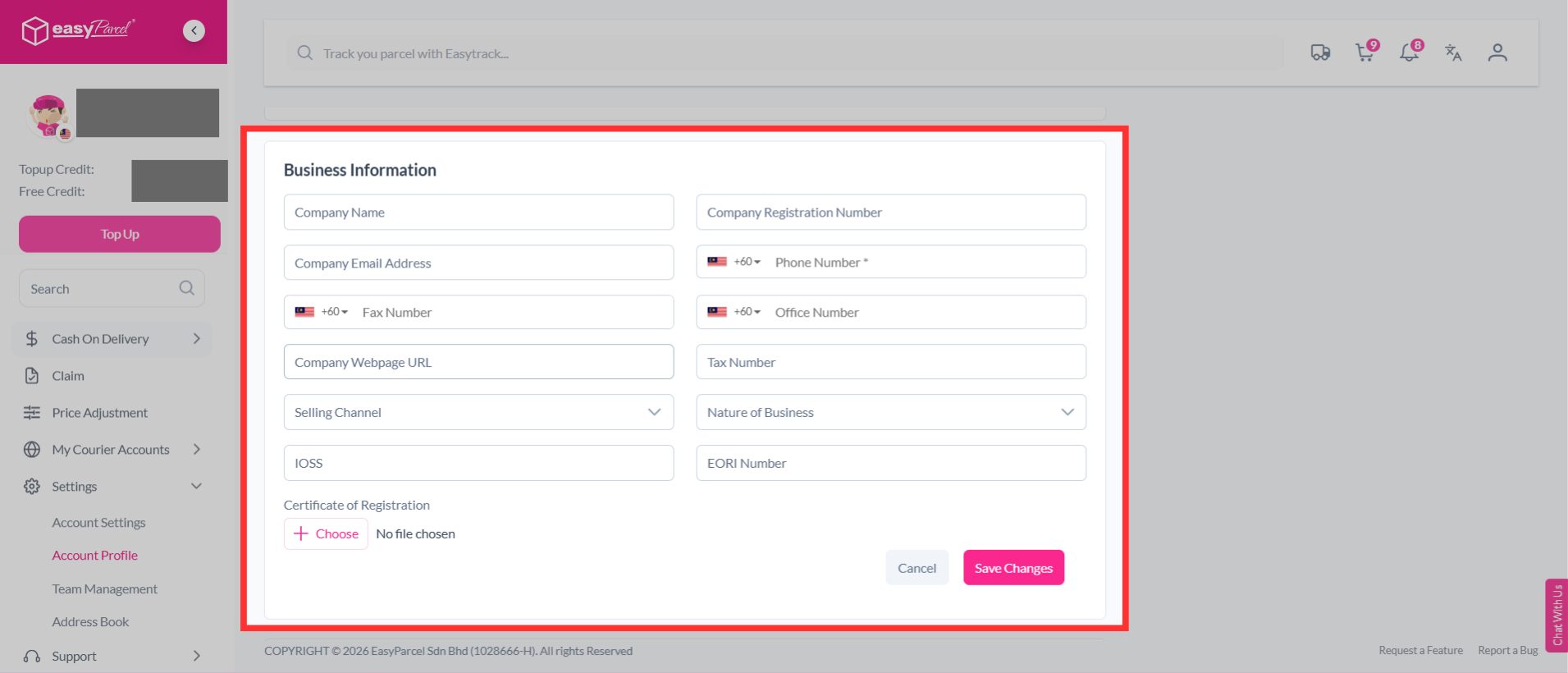
How to Update Your Business Information?
Manage your company details, including your company name, registration number, contact information, website, tax number, selling channel, nature of business, IOSS, EORI number and certificate of registration.
Note: The Business Information section is only available for accounts with the Business account type.